To reset a Ford camshaft position sensor, clear diagnostic trouble codes, complete any required relearn procedure, and verify proper engine operation.
Ford owners across the United States often search for how to reset camshaft position sensor Ford systems after replacing a sensor, repairing timing components, or fixing an engine fault. In many cases, the sensor itself cannot be manually reset. Instead, the vehicle’s computer must recognize the repaired system and clear related fault codes.
The exact process depends on the Ford model, engine, and model year. Some vehicles relearn automatically after several drive cycles, while others may require a scan tool to clear codes and complete a crankshaft or camshaft relearn procedure.
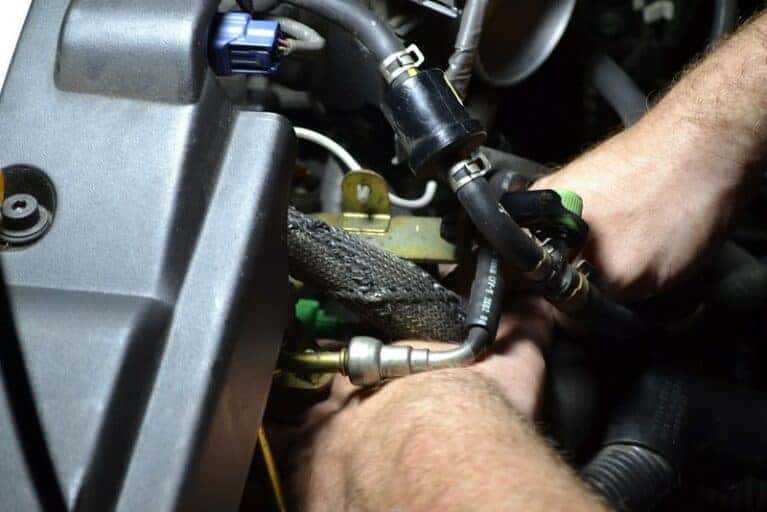
Source: cochrancars.com
What Does a Ford Camshaft Position Sensor Do?
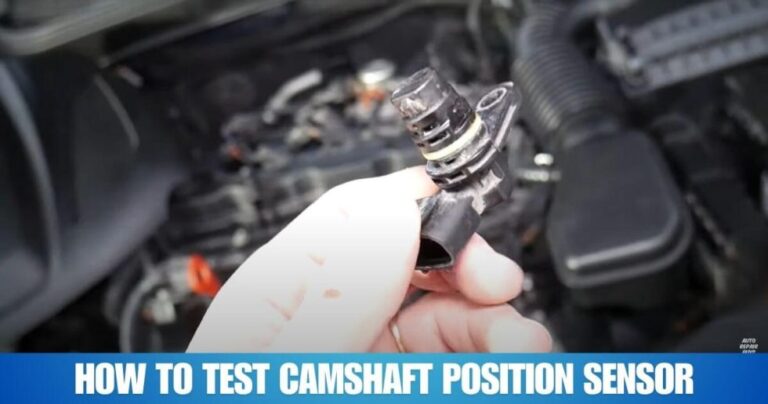
The camshaft position sensor monitors the position and speed of the camshaft. The Powertrain Control Module uses this information to control fuel injection timing, ignition timing, and variable valve timing functions.
When the sensor signal becomes inaccurate or disappears, the engine may experience hard starting, rough idle, reduced power, stalling, or an illuminated check engine light.
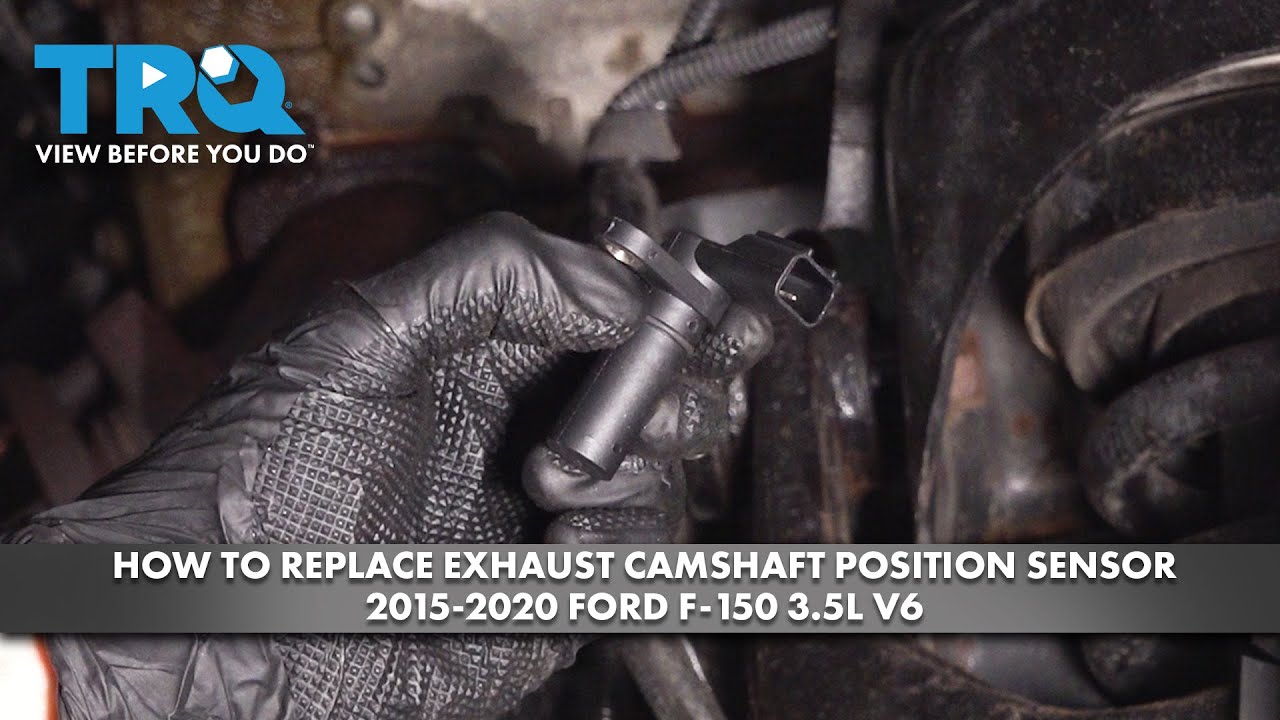
Source: hitchesguide.com
Engine Timing
Helps synchronize ignition and fuel delivery.
Variable Valve Timing
Supports proper operation of modern Ford engine systems.
Diagnostics
Provides data used by the PCM to detect faults.
Common Symptoms of a Faulty Sensor
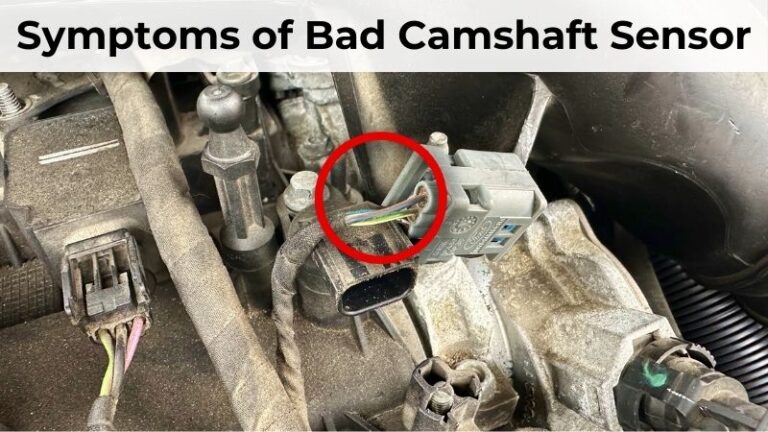
Drivers may notice engine hesitation, difficult starts, misfires, reduced fuel economy, or a check engine light. These symptoms can also be caused by wiring faults, timing issues, or crankshaft sensor problems.
Hard Starting
Engine cranks longer than normal before starting.
How to Reset Camshaft Position Sensor Ford Vehicles
The reset process begins only after confirming that the sensor, wiring, and related components are functioning correctly. Clearing codes without fixing the underlying problem usually results in the code returning.
Follow the procedure carefully and consult a repair manual for model-specific requirements.
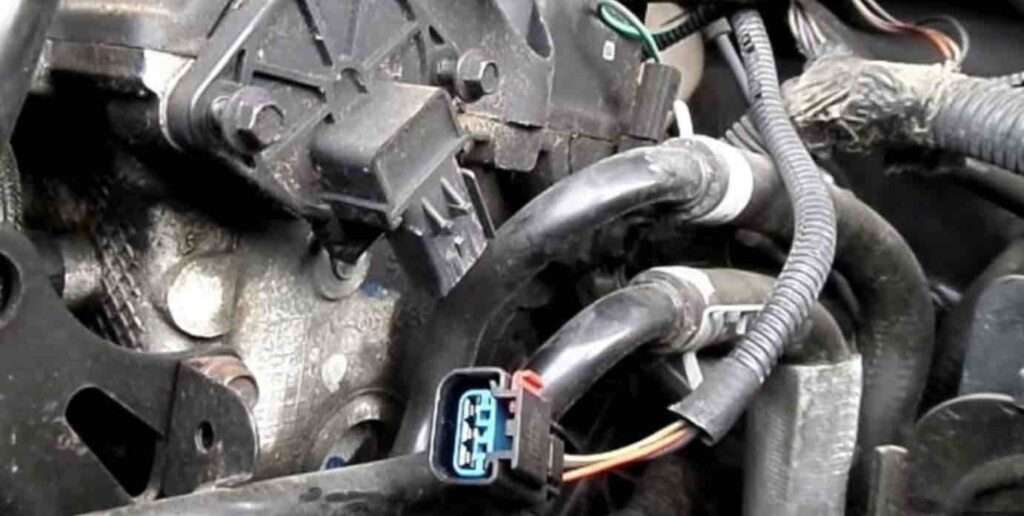
Source: ehcar.net
Step 1
Turn off the engine and inspect the sensor connector and wiring.
Step 2
Connect an OBD-II scanner and read stored trouble codes.
Step 3
Repair any confirmed sensor, wiring, or timing issues.
Step 4
Clear diagnostic trouble codes using the scanner.
Step 5
Start the engine and allow it to reach operating temperature.
Step 6
Perform any required relearn procedure specified for the vehicle.
Signs the Reset Was Successful
The check engine light remains off, the engine runs smoothly, and no camshaft position sensor codes return after a test drive.
No Active Codes
Scanner reports no related camshaft sensor faults.
Do Ford Vehicles Require a Camshaft Relearn Procedure?
Some Ford models require a relearn process after replacing the camshaft position sensor, crankshaft position sensor, timing chain components, or PCM. The exact requirement varies by engine family and model year.
Many newer vehicles automatically adapt during normal driving, while others may need a professional scan tool to initiate the procedure.
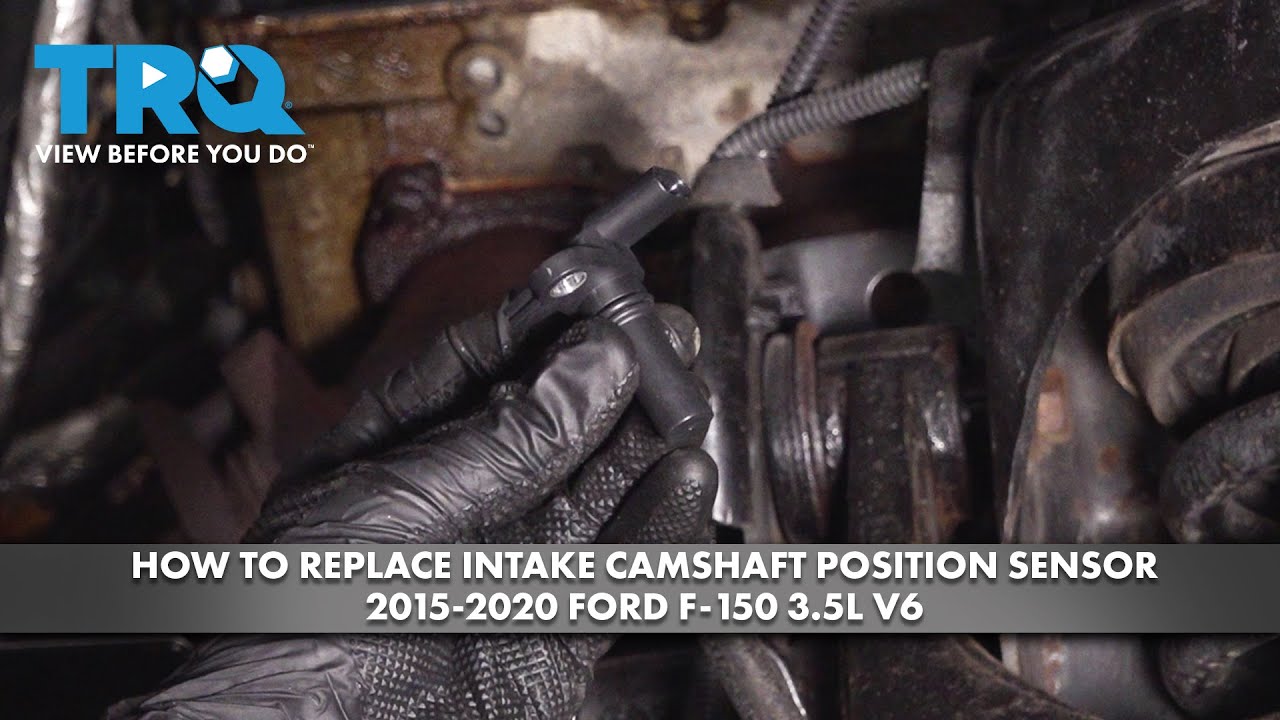
Source: storage.googleapis.com
Automatic Relearn
Some vehicles learn sensor values during drive cycles.
Scanner Relearn
Certain models require a scan tool function.
When a Relearn Is Most Likely Needed
A relearn is commonly required after major engine timing work, PCM replacement, or replacement of synchronization-related sensors.
Timing Repairs
Changes to timing components can affect synchronization values.
Troubleshooting When the Code Returns
If the camshaft sensor code returns after a reset, the problem may not be the sensor itself. Wiring damage, poor electrical connections, timing chain wear, low oil pressure, or PCM issues can trigger similar symptoms.
Diagnose the root cause before replacing additional parts.
Source: storage.googleapis.com
Check Wiring
Look for corrosion, broken wires, or loose connectors.
Inspect Timing Components
Worn timing chains can affect camshaft synchronization.
Verify Oil Condition
Variable valve timing systems depend on proper oil flow.
Common Diagnostic Codes
Codes such as P0340, P0341, and related synchronization faults often indicate problems involving the camshaft sensor circuit or timing system.
P0340
Camshaft position sensor circuit malfunction.
Ford Camshaft Sensor Reset Decision Guide
Use the table below to determine the most appropriate next step based on vehicle symptoms.
Source: 1aauto.com
Sensor Replaced
Clear codes and verify whether a relearn is required.
Code Returns
Inspect wiring, timing, and related systems.
Engine Runs Poorly
Perform full diagnostics before resetting again.
When Professional Help Is Needed
Seek professional diagnosis if timing system repairs, PCM programming, or advanced scan tool functions are required.
Complex Repairs
Advanced engine timing faults often require specialized tools.
After Resetting the Camshaft Position Sensor
Drive the vehicle through several normal operating conditions and monitor for warning lights, performance issues, or stored codes. A successful repair should result in stable engine operation.
If symptoms persist despite a new sensor and cleared codes, additional testing is necessary to identify the underlying cause.
Source: bryansgarage.com
Road Test
Confirm normal acceleration and idle quality.
Rescan Vehicle
Verify that no pending or stored codes remain.
Final Verification
A completed repair typically produces smooth engine performance and no recurring camshaft synchronization faults.
Stable Operation
Engine starts and runs normally without warnings.
Frequently Asked Questions
Q
Can I reset a Ford camshaft position sensor by disconnecting the battery?
Disconnecting the battery may clear some adaptive memory on certain vehicles, but it is not a reliable method for resetting camshaft sensor faults. A scan tool is generally the preferred approach.
Q
Will a new camshaft position sensor automatically fix the code?
Not always. Fault codes can also be caused by wiring problems, timing issues, connector damage, or PCM-related faults.
Q
How long does a Ford relearn procedure take?
The time varies by model. Some vehicles complete the process during a short drive cycle, while others require a scan tool procedure.
Q
Can I drive with a camshaft position sensor code?
Some vehicles remain drivable, but performance, fuel economy, and starting reliability may suffer. Continued operation with unresolved faults can lead to additional issues.
Q
Why does the code return after clearing it?
A recurring code usually indicates that the underlying problem remains unresolved. Additional diagnosis of wiring, timing components, oil system operation, or PCM communication may be necessary.
✦ Wrapping Up
Conclusion
Understanding how to reset camshaft position sensor Ford systems starts with diagnosing the root cause rather than simply clearing fault codes. Most Ford vehicles require code clearing, verification of repairs, and sometimes a relearn procedure.
When the reset process is completed correctly, the engine should operate normally and related diagnostic codes should remain cleared during subsequent drive cycles.
💡 Key Takeaway
Repair the underlying fault first, clear the codes with a scanner, complete any required relearn procedure, and verify results with a road test and follow-up scan.
Ethan Brooks is an automotive writer at Auto News 7, covering car news, vehicle maintenance, new model updates, recalls, and practical buying guides. He focuses on clear, useful information that helps drivers understand their vehicles and make better ownership decisions.
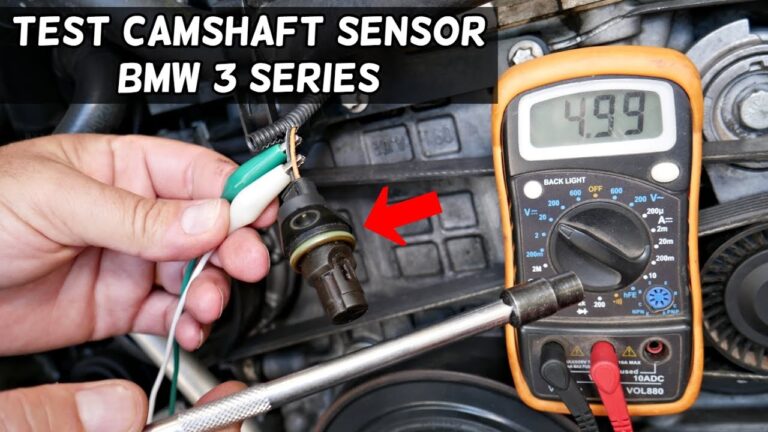
Learn how to test a BMW camshaft position sensor using a scan tool, multimeter, and practical troubleshooting steps. Diagnose faults, symptoms, and sensor failures accurately.
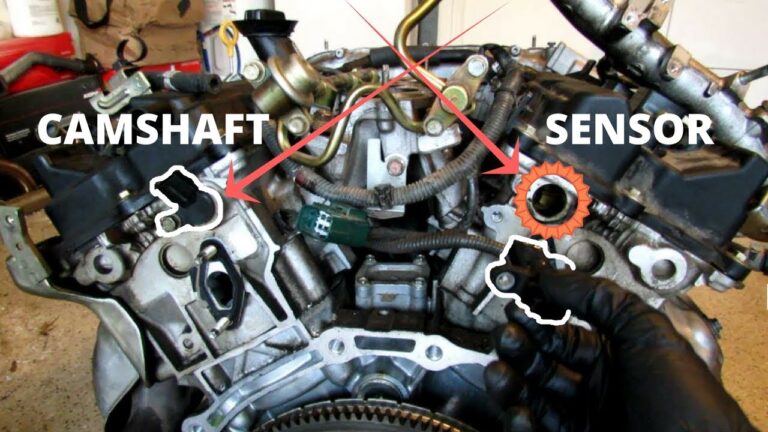
Learn how to replace camshaft sensor Infiniti G35 models with this detailed DIY guide. Find symptoms, tools, sensor locations, replacement steps, troubleshooting tips, and common mistakes.
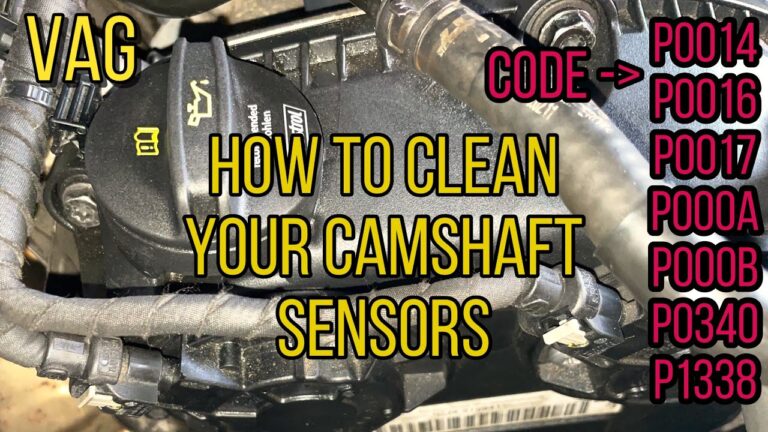
Learn how to clean camshaft position sensor components safely with a simple step-by-step process, tools list, troubleshooting tips, and common mistakes to avoid.
Learn how to test a camshaft position sensor on Ford vehicles using a multimeter and scan tool. Follow a clear step-by-step process to diagnose sensor faults, wiring issues, and engine performance problems.